
The Coadjute platform Frequently asked questions
Welcome to our agent FAQ hub. Here you'll find easy-to-follow guides covering some of the most common tasks and questions users have when managing transactions and AML checks.
From updating client information and property details to resending invitations, uploading documents, and tracking progress, these guides will help you complete tasks quickly and confidently.
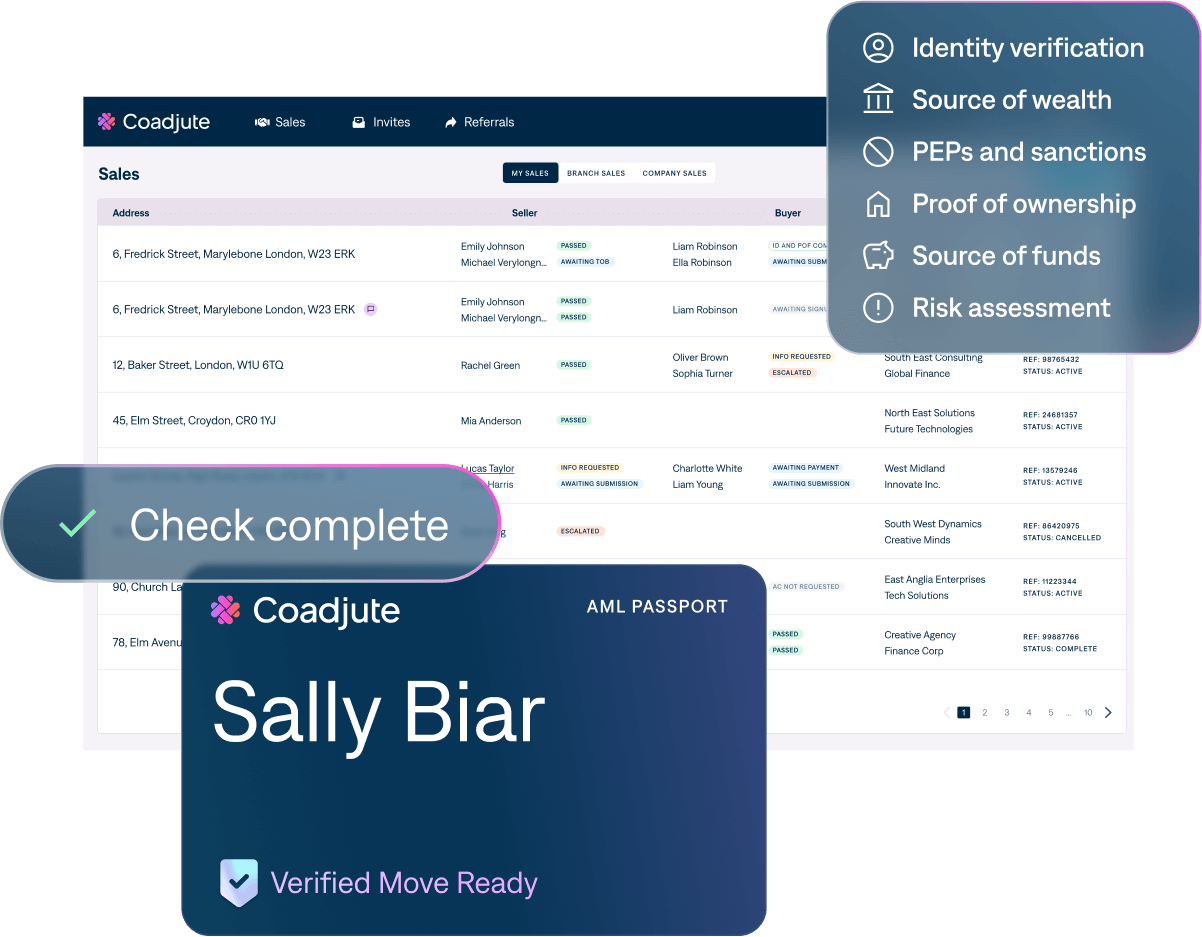
Quick help when you need it
Change the personal details of your buyer or seller
This short video shows you how you can easily edit / change the personal details of your buyer and/or seller in the Coadjute platform.
Change payment type
This short video shows you how to change the payment type on the Coadjute platform.
Start an online chat with Coadjute
This short video talks you through how you can start a chat with the Coadjute compliance team.
Add an additional check to an existing transaction
This short video shows you how to add an additional check for a buyer or seller to an existing deal room.
Upload additional documentation
If an additional document has been requested from you, this short video shows you where and how to upload them.
Edit Terms of Business
The document shows you the steps needed to edit your Terms of Business.
Check for updates
This document shows you how you can check for updates on your AML checks.
Resend the link to client to sign up or login
This document shows the steps you need to follow to resend your client the link to sign up or log in.
Change the property price
This short video shows you how to change the price of the property.